
Rare Cats Guide
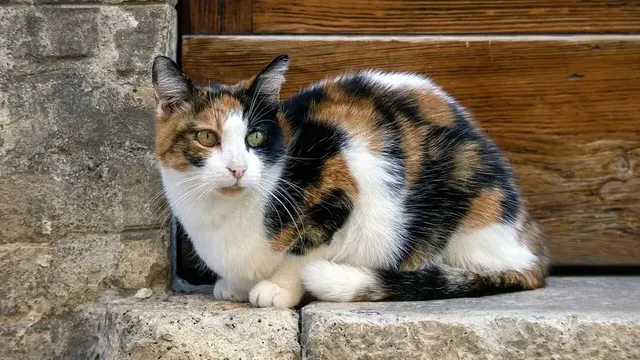
Discover rare cats in CatchCat APK. Learn what makes a cat rare, where rare discoveries happen, how AI recognition helps, and how rare entries complete your collection.
Protect your CatchCat APK collection with smart backup habits. Learn what progress matters, how accounts and syncing protect it, and what to do before changing phones.
Table of Contents
A CatchCat APK album represents months of walks, early mornings, and one-of-a-kind encounters. Unlike most game progress, it can never be replayed into existence, because the cats and moments behind it were real and unrepeatable.
That makes backup the most quietly important topic in the game. A lost phone should be an inconvenience, not the end of a collection built across seasons. For the full overview, see CatchCat official site.
This guide explains what needs protecting, how syncing and accounts help, and the routine that keeps your progress safe.
Your album entries, breed records, achievements, and exploration history together form the progress that matters. Settings can be rebuilt in minutes; a rare cat from last spring cannot.
Judge every backup habit by one question: if this phone vanished tonight, what would return on a new device tomorrow, and what would be gone?
The honest answer to that question tells you exactly what to fix first.
Progress worth protecting:
Playing while properly signed in and synced is the foundation of safe progress. Syncing ties your collection to your account rather than to one fragile piece of glass.
Check sync status after long offline sessions, trips, or updates, the three moments when records most often wait unnoticed in a queue.
A collection that syncs quietly after every session is a collection you cannot easily lose. Our Latest CatchCat APK Updates Guide walks through this step by step.
Phone upgrades are the classic moment of loss, usually through haste rather than failure. Before switching, open the game on the old phone, confirm the album is current, and let a full sync finish on Wi-Fi.
Only then sign in on the new device and wait for the collection to appear completely before playing or, worse, starting a fresh collection over it.
Keep the old phone unreset for a few days after any switch, as cheap insurance while you confirm everything arrived. For the full picture, have a look at our How to Download and Install CatchCat APK.
Updates occasionally sign players out or reset local preferences. After any major update, open the album before playing and confirm your records look complete.
If a reinstall becomes necessary, sign in with the same account and allow sync to finish fully before judging missing entries. Most apparent losses during recovery are simply unfinished syncs.
Never create a new account in a panic. Duplicated identities complicate recovery far more than patience ever costs.
Once a month, open your album, check that recent entries are present, confirm you are signed in, and verify sync shows no waiting items.
That two-minute ritual catches every common risk while it is still small and fixable.
Pair it with your phone's own backup routine so device-level and game-level protection renew together.
Backup protects the meaning of every other system. Exploration, recognition, and album completion all assume the record of your work survives.
Treat progress safety as part of the game itself, as automatic as charging the phone before a walk.
Sync, verify, and then explore without a single worry in your pocket.
Your CatchCat APK collection is unrepeatable, so protecting it deserves real habits: play signed in, let syncs finish, verify the album monthly, and slow down at phone changes and updates. Two minutes of routine care guarantees that the only thing a lost phone can take is the phone, never the collection.
Download CatchCat APKDiscover rare cats in CatchCat APK. Learn what makes a cat rare, where rare discoveries happen, how AI recognition helps, and how rare entries complete your collection.
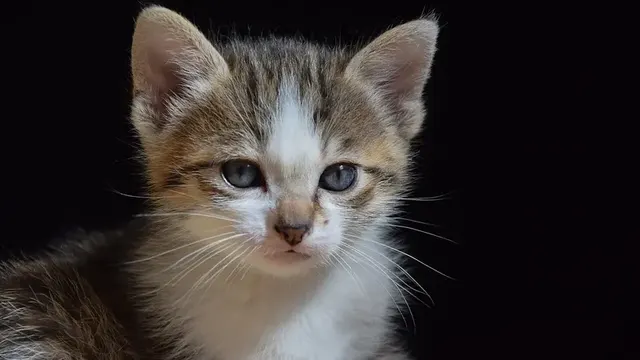
Improve your cat spotting in CatchCat APK. Learn where cats rest, how to read body language, the best times to explore, and how to approach without scaring discoveries away.
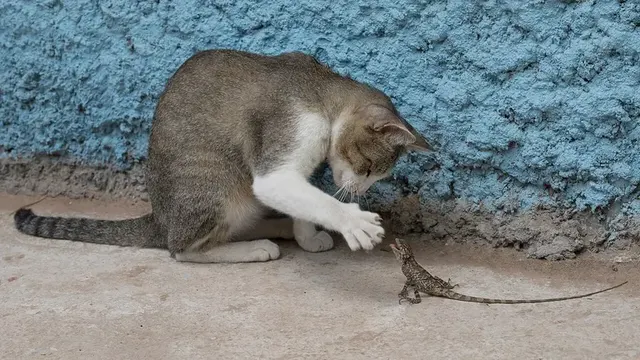
Get cleaner AI recognition results in CatchCat APK. Learn how lighting, distance, angles, and a steady camera improve breed identification and collection accuracy.